Kling AI
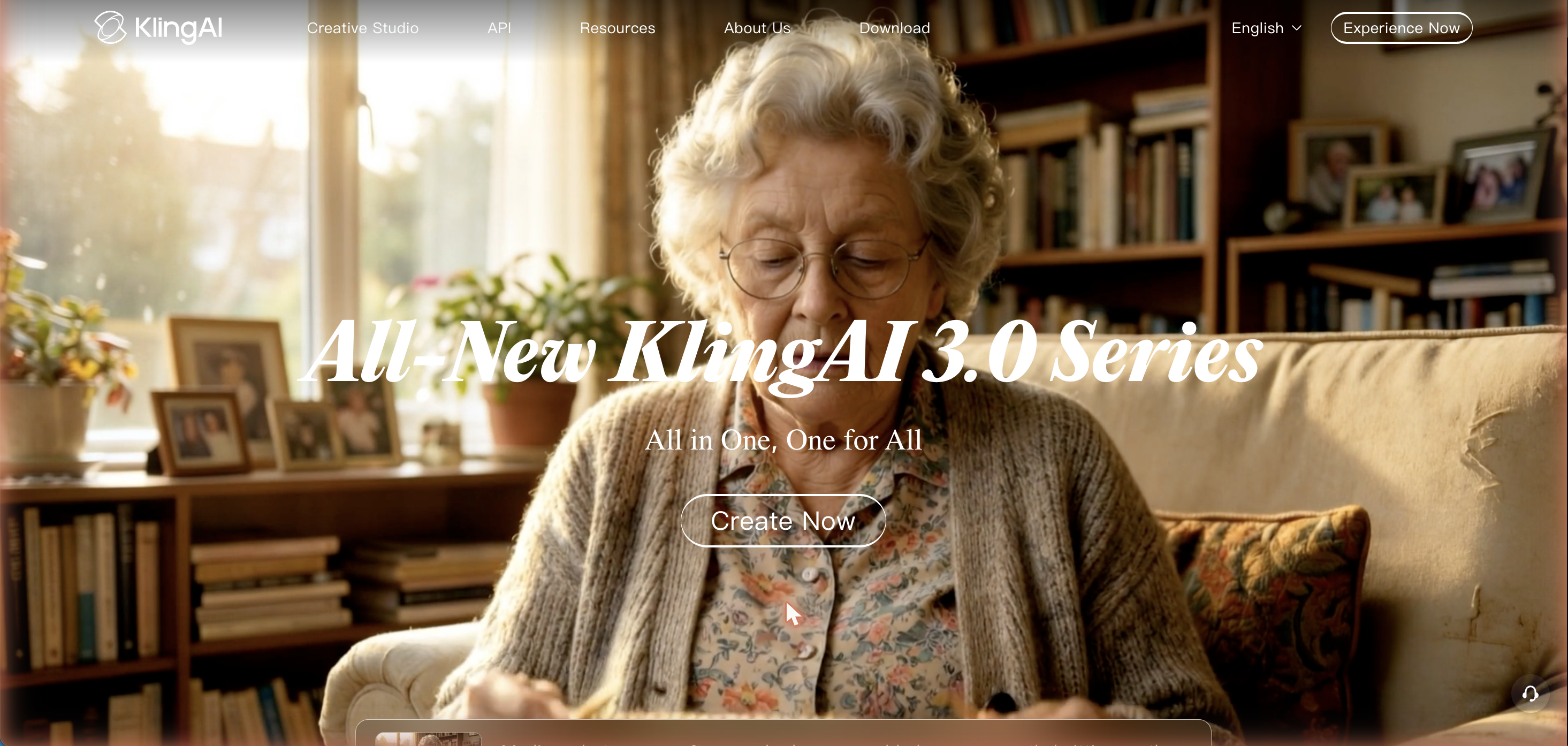
« Cinema-grade AI video, image, and audio generation from Kuaishou - one creative studio for text-to-video, image-to-video, and more. »
Kling AI: Kuaishou's All-In-One AI Video and Image Generation Studio
Kling AI is a browser-based creative studio built by Kuaishou, the Chinese short-video and livestreaming company, for turning plain text, static images, and reference material into finished video and image content. Since its public debut, Kling has grown from a text-to-video experiment into a full multimodal platform that now covers video generation, image generation, sound generation, motion control, AI digital humans, and virtual try-on — all inside one workspace at kling.ai, with a matching developer API for teams that want to build the same generation pipeline into their own products.
What Kling AI Actually Does
At its core, Kling AI turns a written prompt or an uploaded photo into a moving video clip. Type a scene description and Kling renders it from scratch (text-to-video), or upload a still image and let the model animate it into motion (image-to-video) while keeping the subject, lighting, and composition consistent with the source. A newer “Omni” mode blends both inputs plus reference elements — a character, an outfit, a background — into a single generation, so creators can keep the same face or product consistent across multiple shots without re-describing it every time.
Native clips run up to 10 seconds per generation, and Kling's Extend feature can stretch a finished clip out toward roughly three minutes by continuing the motion and scene logic from the last frame, which is useful for short-form content that needs to run longer than a single generation allows.
Kling 3.0 and the Model Lineup
Kling AI doesn't run on a single model — it's a family. Kling 1.6 and 2.0 were the early workhorses, Kling 2.5 Turbo Pro added faster rendering for quick iteration, and the current flagship, Kling 3.0 (alongside its VIDEO 3.0 Omni and IMAGE 3.0 Omni variants), is built on a rearchitected pipeline that Kuaishou says improves multimodal instruction parsing, camera-motion control, and consistency across multi-scene sequences. In April 2026 Kling shipped native 4K video generation, making it one of the first consumer-facing AI video tools to output cinema-resolution clips directly rather than upscaling a lower-resolution render afterward.
Newer releases also lean heavily into audio. Kling's Native Audio system generates synchronized sound, ambience, and dialogue alongside the video itself instead of treating audio as a separate add-on step, and the platform's motion-control tools let creators specify camera moves — pans, dolly shots, orbits — the way a cinematographer would block a scene, rather than hoping the model infers the right camera language from a text prompt alone.
Beyond Video: The Rest of the Toolkit
Video generation is the headline feature, but Kling AI bundles several adjacent tools under the same account:
Pricing: Free Tier, Subscriptions, and API Credits
Kling AI runs on a credit system rather than a flat per-video charge — how many credits a generation costs depends on resolution, duration, and which model version is doing the rendering, since the higher-fidelity Video 3.0 model with native audio costs meaningfully more credits per clip than an older, faster model.
New accounts get 66 free credits every month to test the platform, though those credits expire after 24 hours rather than rolling over, so getting real value out of the free tier means generating consistently rather than saving credits up. Paid plans currently run Basic (free), Standard, Pro, Premier, and Ultra, spanning roughly $7 to $128 a month depending on the tier and any first-month promotional discount, with subscription credits also expiring at the end of each billing cycle. Kling additionally runs a separate, pay-as-you-go API pricing page for developers who want to call the models programmatically instead of through the web app, backed by its own documentation, quick-start guides, and release notes.
Who Kling AI Is Built For
Kling's audience splits roughly into three groups. Social and short-form creators use it for TikTok- and Reels-style clips where fast iteration and stylistic effects matter more than frame-perfect control. Marketing and e-commerce teams lean on the virtual try-on and digital-human tools to produce product and ad content without a camera crew. Developers and studios use the API platform to wire Kling's video and image models directly into their own apps, pipelines, or internal tools rather than working through the consumer web interface at all.
How It Fits Among Other AI Video Tools
Kling AI sits in the same competitive tier as Runway, Luma AI, and Google's Veo models, and it's frequently benchmarked against OpenAI's Sora by reviewers covering the AI video space. Its differentiators are the breadth of the surrounding toolkit — sound generation, digital humans, virtual try-on, and an element library all inside the same account — plus a release cadence that pushed native 4K output and synchronized native audio into the product faster than several competitors. The trade-off reviewers most commonly flag is the credit-expiry structure: because free and subscription credits don't roll over, casual or infrequent users tend to get less effective value per dollar than heavier daily users.
Getting Started
Kling AI is accessible directly from a browser at kling.ai with no software install required, and companion iOS, Android, macOS, and Windows apps are also available for creators who want to generate on the go. New users can start on the free tier to test text-to-video, image-to-video, and the Omni mode before deciding whether a paid plan's higher-resolution output and faster queue priority are worth the upgrade for their workflow.
Final Thoughts
For anyone evaluating AI video generators in 2026, Kling AI is worth shortlisting specifically because it isn't just a video model with a chat box in front of it — it's a full production studio that also handles images, audio, avatars, and product visualization under one login, backed by a developer API for teams that outgrow the web interface. Whether it's the right primary tool comes down to workflow fit: heavy daily creators who can use credits before they expire get the most value, while occasional users may find the free tier's 24-hour expiry window a real limitation.
 DVDFAB
« Downloading Streaming Video with DVDFab: A Smarter Way to Enjoy Offline Content »
Free Trial Vanceai
« Quality visuals can enhance the appearance of a website, lending it a more polished look. Additionally, they can assist companies in bringing in a larger clientele. Nonetheless, modifying images can be quite time-consuming. »
Free Trial Flipped
« How AI Is Changing the Way We Build Digital Characters »
Free Trial AIEASE
✓
AIEASE
✓
« AIEASE – Smart Video Watermark Remover Powered by AI »